

This blog will guide you to understand spring cloud and help you to build micro services in few minutes using Spring cloud.(Leave your comments if you like the blog)
Spring Cloud contains list of components by using which, you can build individual services and expose them via discovery service.
And you can develop a Gateway micro service, using which you can route your request to multiple underlying micro services.
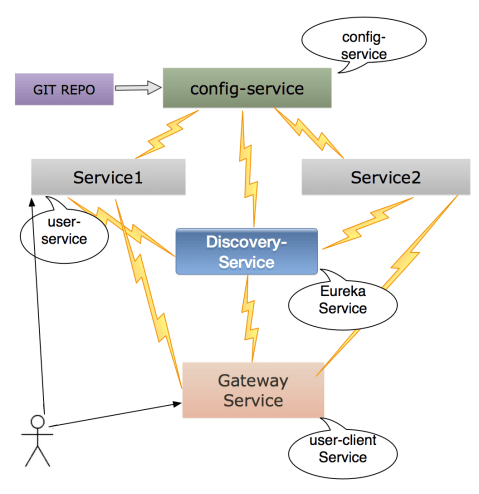
Spring cloud is built on top of Spring Boot.
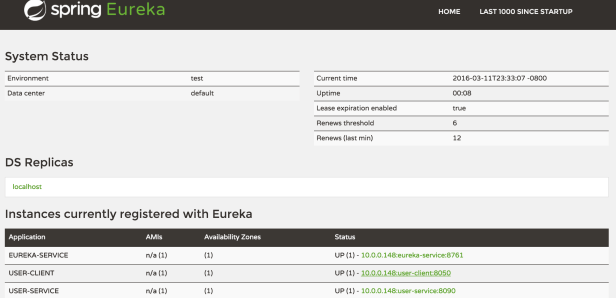
This example of Spring-cloud project(https://github.com/sarojrout/spring-cloud-micro-services) demonstrates how to build a new application using microservices, rather than building a monolithic application.Each project is a separate module and separate application. You can run each service with their local port and as well you can hook with gateway micro service(e.g. user-client). You can view all the services via discovery service(eureka-service),which is another micro service. Discovery microservice(eureka-service) will automatically discover new services running on the cluster.Below is the screenshot of Discovery Service
Steps to Run Micro Services
——————————————————————————–
1. Check out the project from github by git clone https://github.com/sarojrout/spring-cloud-micro-services.git
2. Run the config-service (To run: either go to the folder /config-service and then, type mvn spring-boot:run or you can run as Run as java application if you are running in IntelliJ or eclipse IDE
3. Then you can run eureka-service as described above in step 2. Once its up, you can access the discovery service as localhost:8761
Currently, you don’t see any service registered. When you complete step 4 and 5, you should see all the services registered as shown in the screenshot above.
4. Run your actual micro service(user-service) which has the controller and gives you the data.
5. Run the gateway micro service(user-client) now as described in Step 2.
6. Now refresh the Discovery micro service url localhost:8761, you should see the list of micro services visible in the discovery service.
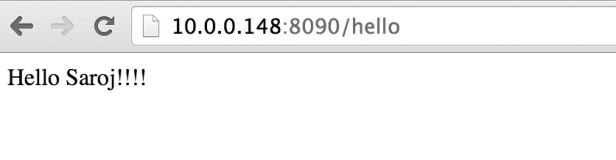
7. Now you can access your actual service by using the http://10.0.0.148:8090/hello or you can access via gateway micro service as http://10.0.0.148:8050/user-service/hello as below
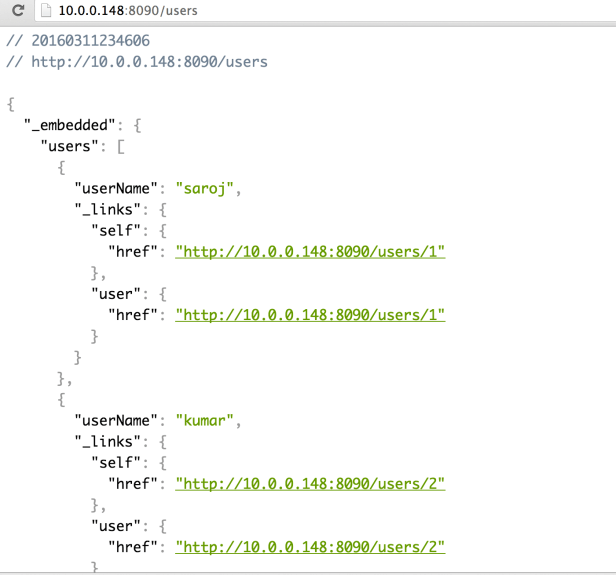

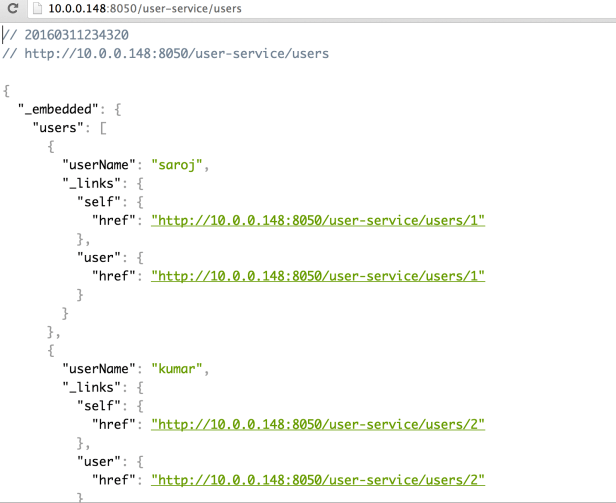
Additional benefits: You can access the /health, /env, /configprops etc as part of Spring boot actuator features.
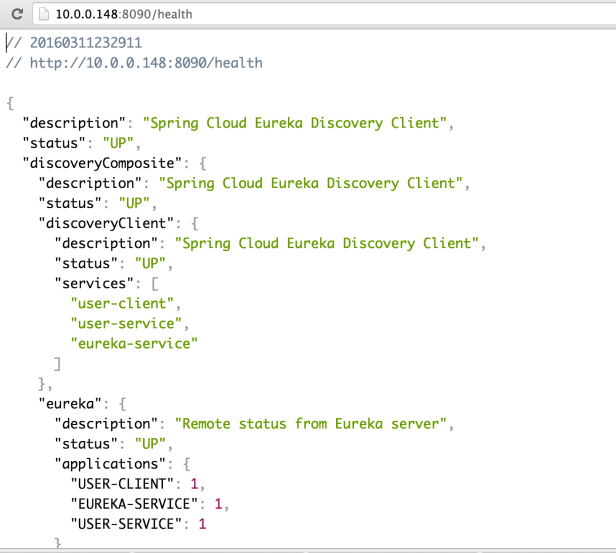
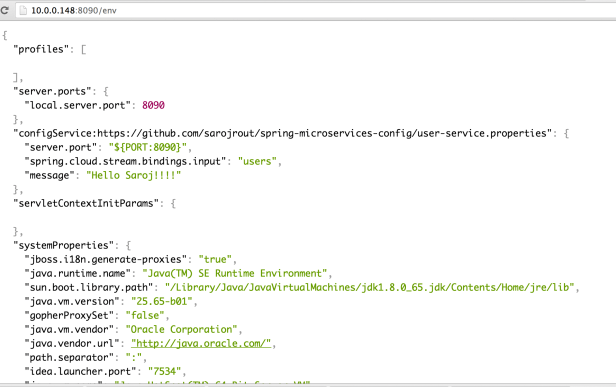
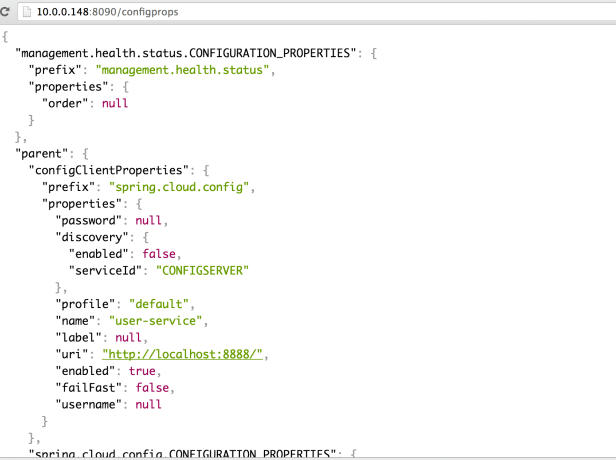
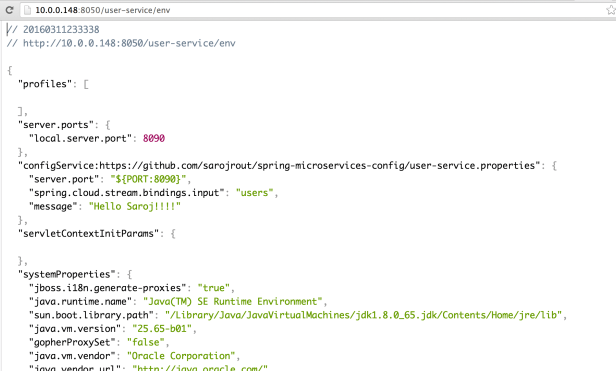
How does it work?
config-service(Configuration Service): Its used as a centralized configuration service, where you can maintain all the services configurations. In this example, our repository is https://github.com/sarojrout/spring-microservices-config. Each configuration service is dedicated for a particular environment(either DEV, TEST or PROD) and provides the configuration to all the services running in that particular environment.
Eureka-Service(Discovery Service): The discovery service handles maintaining a list of service instances that are available for work within a cluster.
Eureka is a resilient service registry implementation.
To enable the service-registry, we have to add the dependency as spring-cloud-starter-eureka-server in the eureka-service POM.xml file. And then annotated the application class with @EnableEurekaServer.
Applications(as user-service) participate in service discovery by adding the spring-cloud-starter-eureka dependency in the user-service POM.xml file and annotated the class as @EnableDiscoveryClient to be discovered inside the discovery-service(eureka-service).
 Your Ultimate Tech Guide